
Why do we need Project Management in Freelance Development?
Working with freelancers is challenging at times because some take on too many projects simultaneously and barely have time for yours. Others will also be less dedicated because you are just another client to them. Startup founders can use project management tools while working with freelancers to assign tasks, monitor their progress and ensure their work is delivered on time. They can do this by using project management tools, which track a freelancer’s progress on a project to ensure efficient and timely delivery.
Image by Brett Sayles via Pexels
What are Project Management and Collaboration Tools?
Project management and collaboration tools are software programs designed to plan projects, tasks, and deadlines. Working with freelancers in the tech industry has become common for startups today. Freelancers provide many benefits, including cost-effectiveness, person-project fit, flexibility, and the ability to put in extra hours for timely project delivery.
Freelancers operate as independent contractors, but this does not mean leaving them to do everything independently without supervision. You can use project management software and collaboration tools, especially if you’re working with a team of freelancers. They centralize all activities related to your project and connect your team, enhancing organization and effective collaboration.
What are the 3 Major Purposes of Collaborative Platforms?
Collaborative platforms streamline processes and facilitate communication among people working on a project. The three major purposes of collaborative platforms are:
- Synchronous and Asynchronous Collaboration. Synchronous collaboration involves teams working together at the same time. Team schedules are aligned, and the team members work on the project synchronously. Collaboration takes place face-to-face or through video calls.
Asynchronous collaboration, on the other hand, involves teams working on tasks separately. Their presence at the same time is not necessary. They communicate through asynchronous means such as emails or messages to check-in.
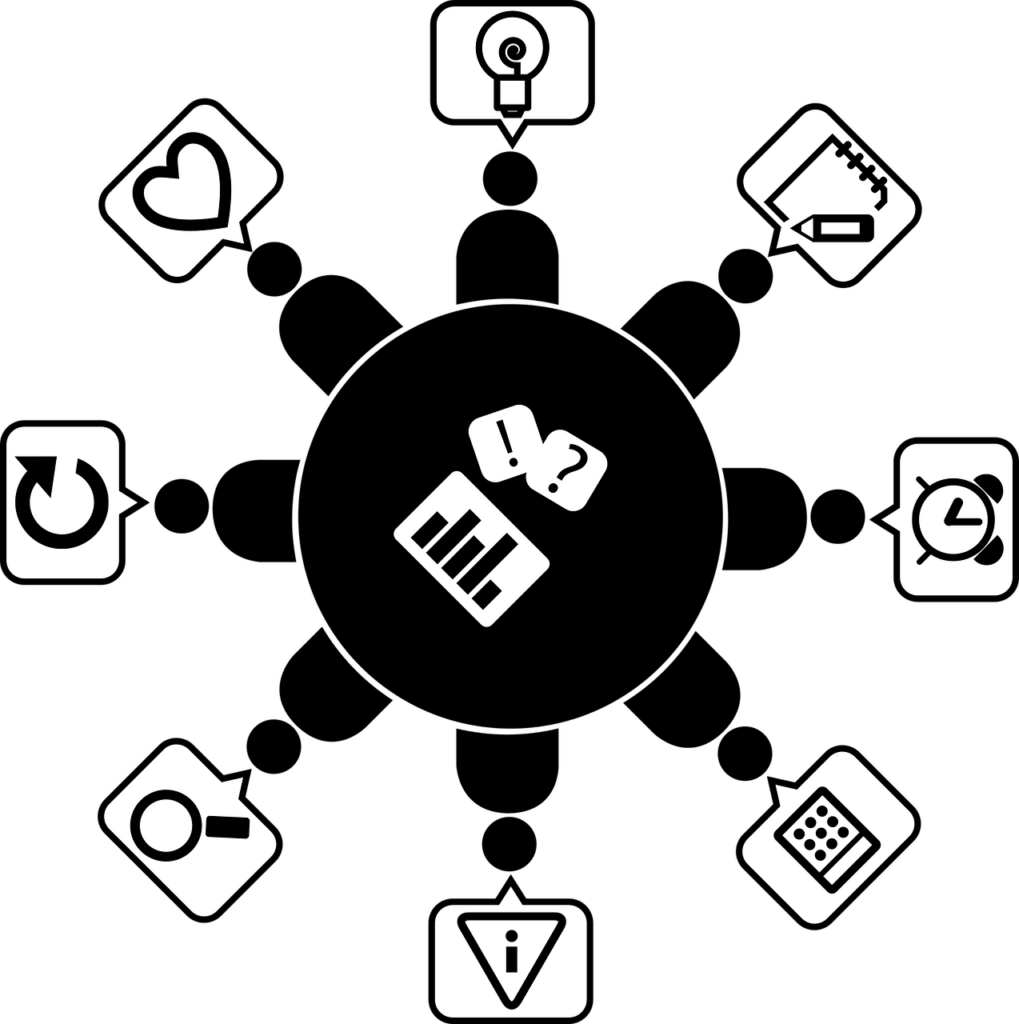
Image by Ricinator via Pixabay
- Project Tracking. Collaborative platforms allow you to list every task and the required completion timeline. Once a task is complete, it is updated in the platform. You can also identify the parts of your projects that are moving slower than anticipated, for example, a freelancer failing to complete a task on time.
- Increasing Productivity. Collaborative platforms provide a visual representation of what your project entails. Team members can understand what is required of them. They can also see how far they have come with the project, motivating them to move to the finish line.
Collaborative platforms streamline project management processes by tracking tasks, facilitating asynchronous and synchronous collaboration and increasing the team’s productivity.
What are the Key Features to Consider when Choosing a Project Management and Collaboration Tool for Freelance Developers?
The project management tool you select depends on your project needs. Some key features to consider when selecting project management tools include:
- Cost: Cost is an essential factor to consider in any project you undertake. Collaboration tools differ in price. Startup founders should select collaboration tools that align with their budget.
- Ease of Use: User interface is an important factor when selecting your project management tool. You should choose a tool with a simple structure If you’ve never managed a project before. Some tools are more suitable for people who have technical knowledge.
- Web-based or Desktop: You also need to consider whether the tool can only work when an internet connection is available or whether it can run locally on your desktop. Your selection should depend on the needs of your project.
- Mobile app: Some tools also work efficiently on the web but need a better mobile app integration. You should select one with a usable mobile app version if you need to use your tool constantly. You should consider its usability since some have poorly developed apps with an unfriendly user interface and many bugs.
- Integration with other software: It is common to want to integrate other software with your collaboration tool. For instance, your developers will need a program that can integrate with GitHub. Your project can also require other third-party tools for time tracking and creative development. You should use a collaboration tool that supports the software you will use.
- Project templates: You should also consider the project templates offered by a collaboration tool. Some templates are usually in block format, others support text formats, and so on. Other templates also lack spreadsheets. You need to consider which tool supports templates that align with your project needs.
- Task Management: Collaboration tools allow you to create tasks required to complete a project. However, the manner in which they support these tasks differs. Some tools will send members reminders to complete their tasks. Others will also update automatically when a task is complete. Other tools also lack these features. You should consider the type of task management system suitable for your project before selecting a collaboration tool.
- Reporting and analytics: Some tools also offer you an overview of your project’s progress after a specified time. This can help identify areas of improvement. You should select a tool that supports this feature if you need your project’s analytics.
- Kanban Board view: This feature is facilitated by tools that clearly visualize your project. Every task is displayed in tools that support the Kanban Board view.
- Resource management: Some tools allow you to factor in the necessary resources required to achieve your project, for example, the cost of accomplishing one milestone and the number of members needed to do so.
- Time tracking: Time tracking is an essential aspect of project management. It allows you to determine how many hours a team member spends on a specific task. Some tools do not support this feature. Before using this feature, it is important to ensure that your team is comfortable as well because some people feel micromanaged.
- Client collaboration features: You should select a tool that facilitates seamless team collaboration.
- Security: You should also consider the security features included in a project management tool. This is especially important due to the scope of data collection agreements in many applications today.
- Support for multiple languages: You should also consider the number of languages (and which ones) supported by the collaboration tool, especially if you have a team of freelancers from different regions.
- Scalability: When your project succeeds, you will eventually start scaling. You need to consider whether the project management tool you select supports your scalability. For example, some tools start slowing down when they have many users at once. These are not suitable for scalability.
- File Sharing and Document Management: You should select a tool with a file-sharing functionality to ease your team’s collaboration.
- Scheduling and Calendar Integration: Some tools allow you to integrate your calendar. Any tasks you add to your calendar will also reflect on the project. You should select a project management software that allows this integration if you use your calendar to create events.
Key features of project management tools help you identify which ones align best with your project.
What are the Top Project Management and Collaboration Tools Best for Freelance Developers?
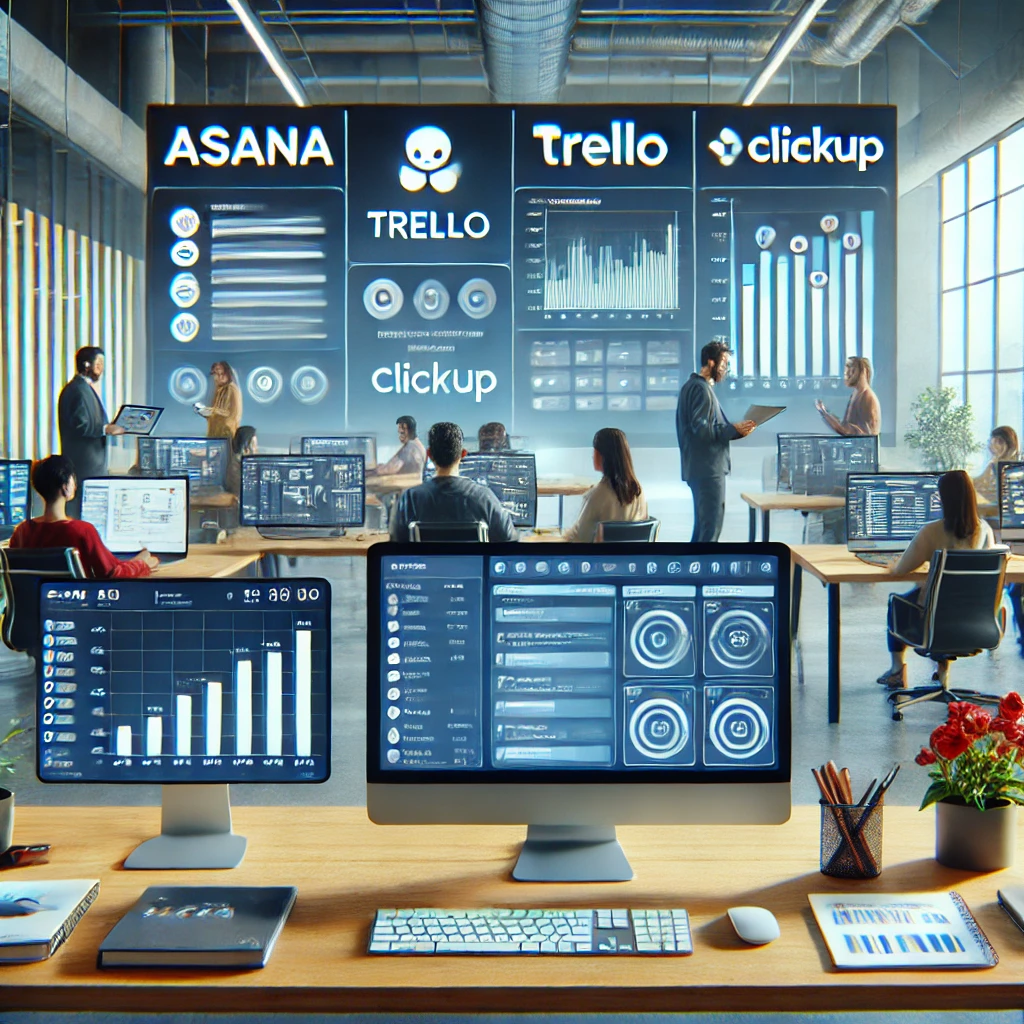
Different project management and collaboration tools exist today. They are essential in aiding freelance developers in managing their projects. They include:
- Asana
- ClickUp
- Trello
- Monday.com
- Notion
- nTask
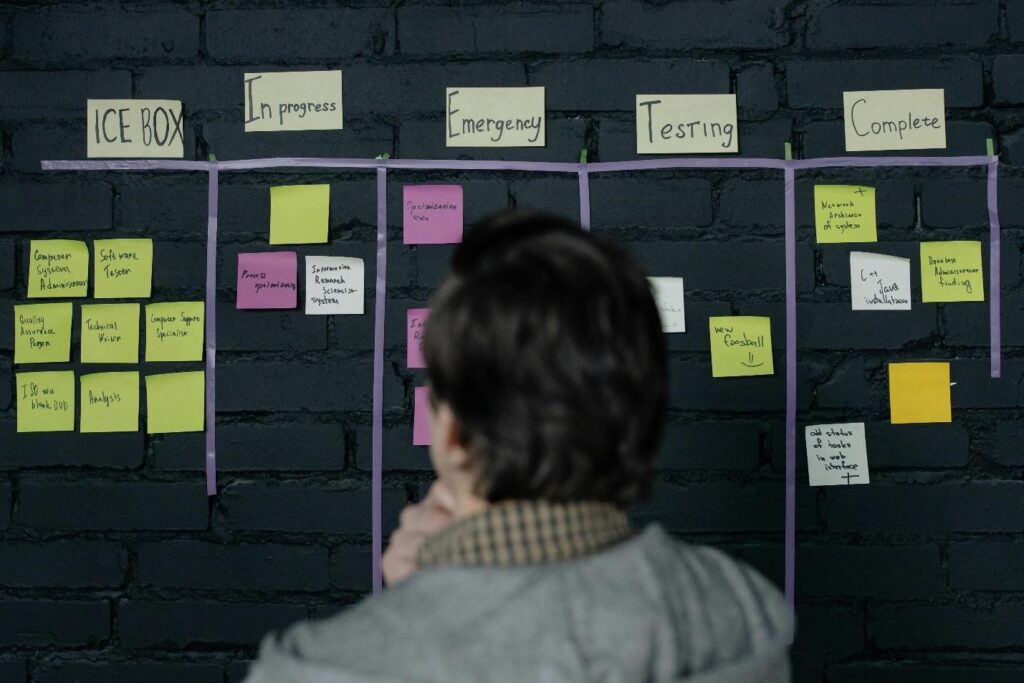
Image by Cottonbro Studio via Pexels
Asana
Asana is a project management tool that allows you to organize and keep track of your tasks and the required timeframes for completion. It also includes workspaces that facilitate team collaboration. It has three plans. The free plan is suitable for individuals and small teams. The starter plan goes for $13.49 monthly and is ideal for medium-sized teams. The advanced plan costs $30.49 monthly and is suitable for comprehensive projects and large teams.
Pros
- Attractive user interface.
- Facilitates email integration.
- Has a free plan.
- Synchronize your calendar with tasks.
Cons
- Text-based system, which can break the project’s structure.
- You cannot assign one task to different people.
- Requires the integration of an external time-tracking system.
User Ratings and Reviews
⭐⭐⭐⭐ (4.5 from more than 12,000 users)
Many users have commented on Asana’s ease of supporting team collaboration and ease of tracking tasks. The most common complaint is that users get many email notifications, which they find annoying.
ClickUp
ClickUp is also a project management software. It is more comprehensive than Asana because it has spreadsheets, whiteboards, and document collaboration and processing to handle and track tasks. It offers a free plan, an unlimited one for $7 monthly, a business one for $12, and an enterprise plan, which requires you to contact the sales team for pricing.
Pros
- Allows customization of your workflows.
- A wide range of collaborative tools.
- Has a built-in time tracking system, unlike Asana.
Cons
- Despite having an option for large teams, it cannot support hundreds of users due to its navigation system.
- The mobile app functionality is limited.
- Limited integrations with other external tools.
User Ratings and Reviews
⭐⭐⭐⭐ (4.6 from more than 4000 users).
A common theme in the positive user reviews is the many features provided by the free version. Some users have also complained about the user interface being too bland.
Trello
Trello is a project management tool that integrates the Kanban-style and uses a list-making interface. The pricing model includes a free plan, a standard one for $6 monthly, a premium one for $12.50, and an enterprise one for $17.50.
Pros
- You can easily add new members to the system.
- Its Kanban system is efficient.
- Usable on different devices.
Cons
- Lacks a time-tracking feature.
- Has a simplistic system that limits scalability, especially when working with large teams.
- Its interface is not user-friendly, especially for non-technical users.
User Ratings and Reviews
⭐⭐⭐⭐ (4.5 from more than 23,000 users).
Many reviewers are pleased with its user interface, speed and collaboration tools. Many users have also complained that it does not allow Linux user integration.
Monday.com
Monday.com facilitates the creation of individual applications and project management software. It has five plans. They include a free plan, a basic one for $27 monthly, a standard plan for $36, a pro plan for $57 and an enterprise plan, whose quotation you can get by contacting the sales team.
Pros
- Simple to use.
- Allows you to share view-only boards with people who don’t have an account with the platform.
- You can filter information.
Cons
- Limited functionality on the “my task” view.
- Two tasks cannot exist on the same board.
User Ratings and Reviews
⭐⭐⭐⭐ (4.7 from more than 2000 users)
User reviews generally exhibit satisfaction with the platform because it is easy to use.
Notion
Notion uses a block format that facilitates task management, collaboration, and document management. It has four plans. It has a free plan, a plus plan for $10 monthly, business for $15, and an enterprise plan, whose quotation you can get by contacting Notion’s team.
Pros
- Usable on computers and as a mobile app.
- Reasonable pricing for the features offered.
Cons
- Its block format is challenging to use.
- Does not facilitate tracking goals. You have to integrate third-party tools to track goals efficiently.
- Does not facilitate team collaboration.
User Ratings and Reviews
⭐⭐⭐⭐(4.7 from more than 2000 users)
User reviews indicate satisfaction due to customizable options and how easily it facilitates collaborations. Complaints include the lack of goal-tracking features and content getting lost in block formats.
nTask
nTask is suitable for people and companies getting started with project management. It facilitates collaboration and tracking. It offers two paid plans: a premium plan for $3 monthly and a business plan for $8 monthly.
Pros
- Has a time-tracking feature.
- Facilitates seamless collaboration.
- Favorable prices.
Cons
- Limited number of users based on the plan.
- Limited customization options.
- The mobile app is unstable.
User Ratings and Reviews
⭐⭐⭐⭐ (4.2 from more than 100 users)
Based on user reviews, the tool is easy to use and affordable. They also like it’s ability to integrate third party tools like Slack. The most common complaint is poor customer support.
You should select a collaborative platform that aligns with the needs of your project.
How do Online Collaborative Tools help in Project Management?
Freelance developers can also take advantage of collaborative tools to manage their projects. It is common for freelancers to work on multiple projects concurrently. Project management software will help them keep track of tasks and deadlines from multiple projects. As a freelancer, you can also add your client to the project so they can see your progress.
However, ensuring each client has an independent project space is important. This means they will not see the other projects you’re currently undertaking because it could lead to many issues, such as clients thinking you have too much on your plate and privacy concerns over their projects.
Integration Capabilities with other Tools
It is challenging to find a one-size-fits-all collaboration tool. Projects often have demands outside the features offered by a collaboration tool. This is where integration comes in. The primary aim of integration is to enhance the efficiency of your project management tool. The section that lists collaboration tools identifies the lack of time-tracking features in multiple programs.
You can add these features from third-party applications. For example, you can integrate GitHub into Asana, which eases the software developers‘ workflow. You can also integrate communication tools like Slack and tools that enhance creativity, like Adobe Suite.
What are the three 3 most commonly used project management tools by freelance developers?
Is there a Google project management tool?
Google allows the integration of third-party tools such as Trello and Asana into the Google Workspace to facilitate project management.










[…] Different MVP approaches enhance efficiency and adaptability. Three relevant project management methodologies for MVP development include: […]